
The is an in process receive adapter that can be configured to execute a prescribed task on a daily, weekly or monthly schedule.
"The adapter is configured entirely within Biztalk, all config is stored within the SSODB and can be exported and imported via binding files. The schedule capabilities are similar to those available with the Windows Scheduled Task Service."
Although defined on codeplex as an adapter for BizTalk Server 2004 or BizTalk Server 2006, the Scheduled Task adapter is compatible with BizTalk Server 2009.
The BizTalk Scheduled Task Adapter provides three default tasks, although custom tasks can be created and scheduled by using any.Net class that implements the correct interface. The provided tasks are:
- XmlString - submits a Biztalk message using the configured Xml string.
- FileReader - submits a Biztalk message from the contents of a file.
- HttpDownload - submits a Biztalk message from data downloaded from a web site.
To install the BizTalk Scheduled Task Adapter download and run the msi.
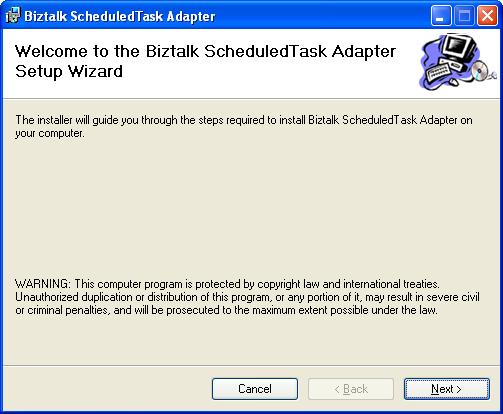
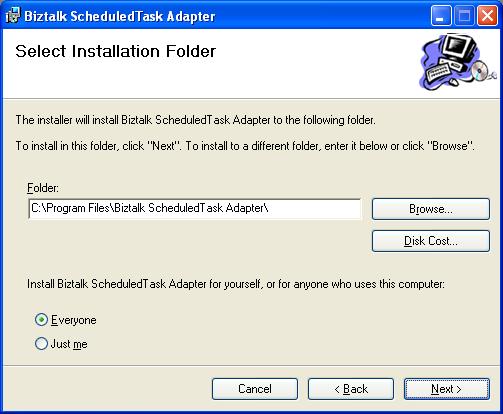
First you must set the installation location and who the adapter will be installed for - everyone or only the currently logged on user.
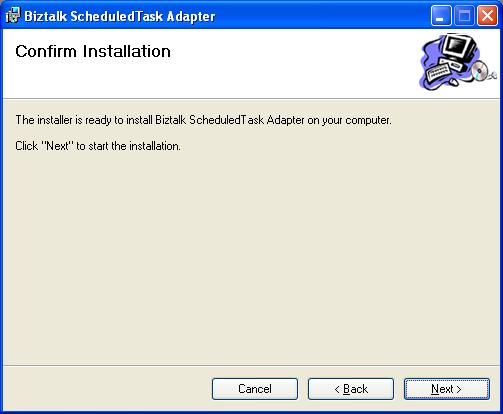
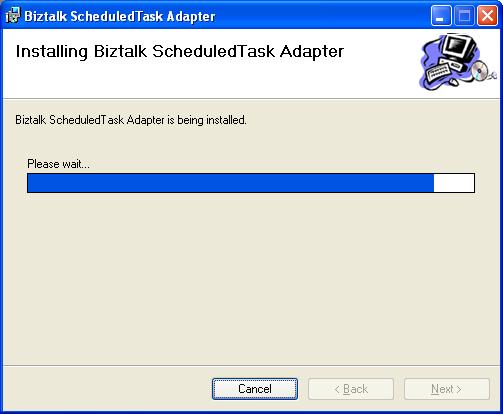
The folliwng screens are very straightforward - a confirmation screen, installation progress and assuming all goes well a completion screen.
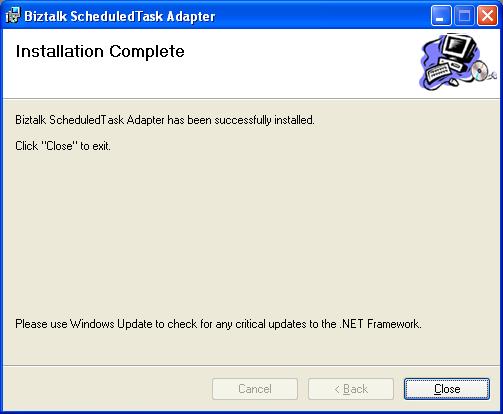
You should now be able to add the adapter to your BizTalk Server 2009 configuration in the normal way using the BizTalk Administration console (an example of this process can be seen in my post on installing the BizTalk Community ODBC Adapter).