
I have previsouly detailed the installation of MySQL, the configuration of MySQL and the installation of the ODBC Data Connector for MySQL. The reason I needed to install and configure these servers was to provide a test environment for a BizTalk Server 2009 solution I am working on where BizTalk will be querying and populating a MySQL database.
To do this I then needed to install and add the:
"The Community BizTalk Adapter for ODBC is based on the code that was first made available on GotDotNet a few years ago. TwoConnect has refreshed this code, added an installer, and tested it against the latest BizTalk editions. We are releasing the updates back to the BizTalk developer, user and partner community as part of our ongoing community intitiatives. This is the second adapter package that TwoConnect makes available to the community after the very succesful release of the BizTalk WSE 3 adapter a couple of years ago. This adapter is useful in all ODBC based integration scenarios. The following are the new features added and fixes made to the old code base on GotDotNet."
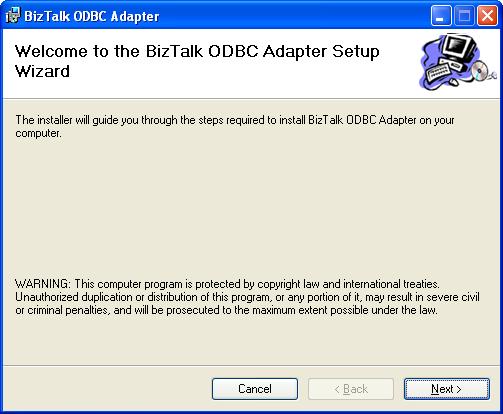
Detailed below are the installation instructions for this adapter. Downloading and running the installer will load up the splash screen.
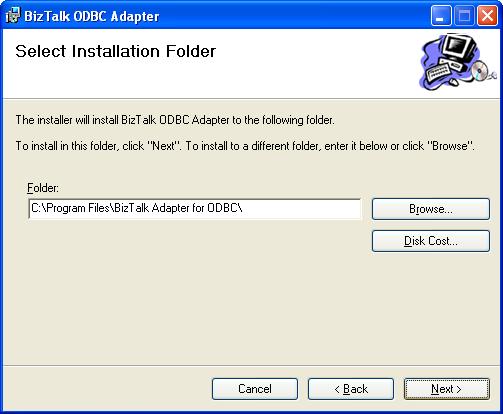
Next you need to select the installation location for the adapter.
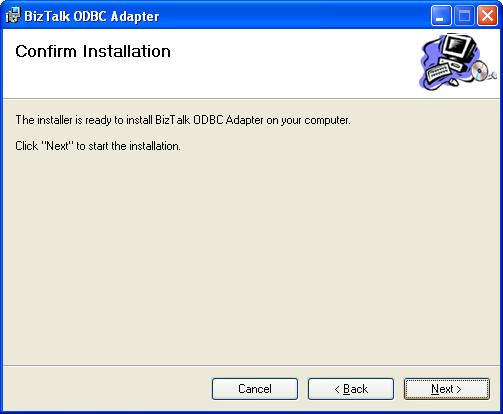
You then need to confirm the installation following which you will be shown the installation progress.
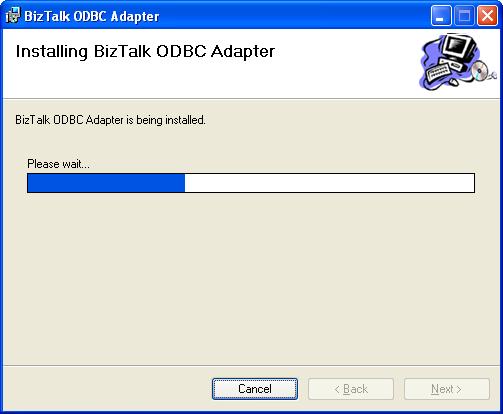
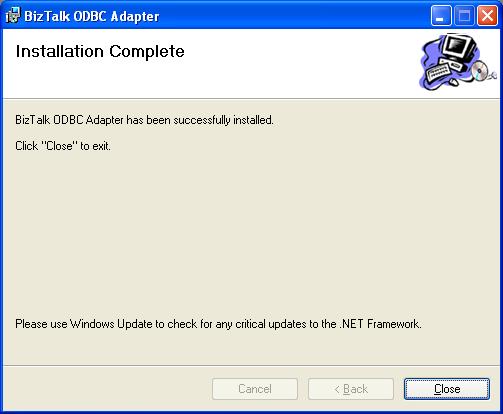
Assuming all has gone well you should see the installation complete screen.
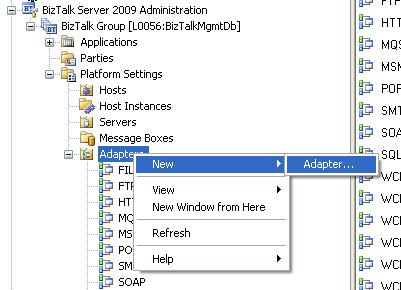
Once the installation has completed successfully you will then need to add the adapter to your BizTalk Server. To do this open the BizTalk Administration console, expand the Platform Settings and right click on Adapters then select New\Adapter.
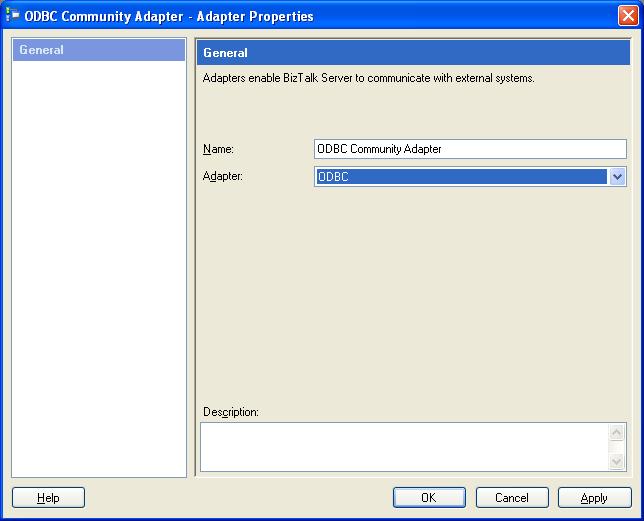
You should then be able to select the ODBC adapter and choose the display name for the adapter.
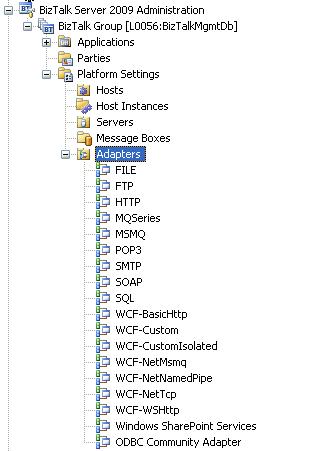
This adapter will then be shown in the BizTalk Administration console.
Next I will be looking at using the ODBC Adapter when: