
I have previously talked about the installation of the Community ODBC adapter and also using the ODBC adapter to generate schemas and laterly the creation of a receive port using the ODBC Adapter. But what about creating a send port?
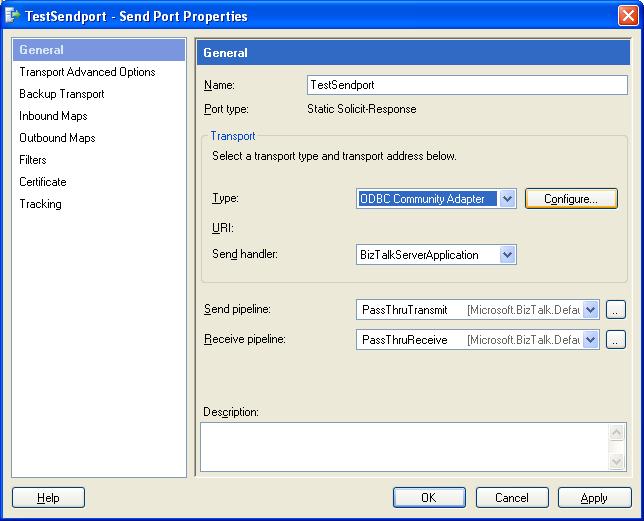
Select to add a new Send Port, select the ODBC Adapter and click configure.
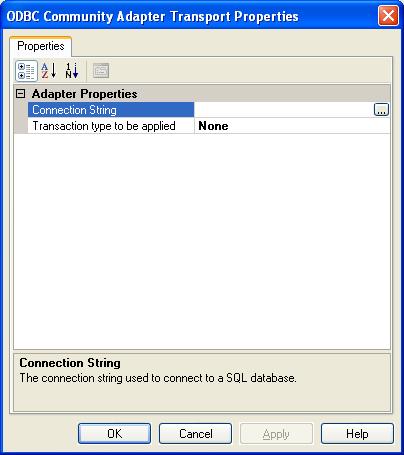
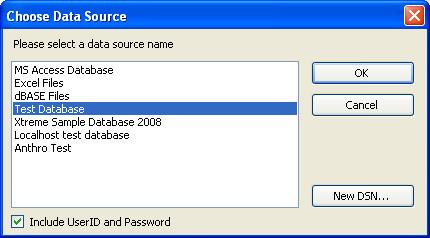
Clicking Connection string will open the DataSource window. Choose one of your system datasources and press OK.
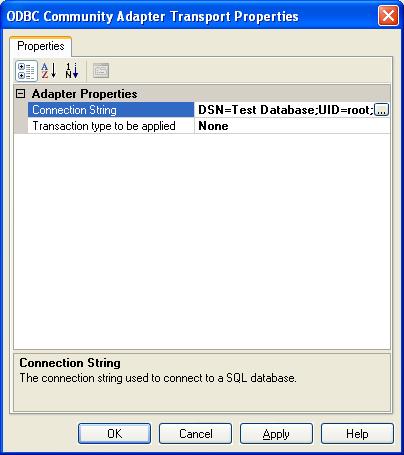
This will now update the Transport properties. Select okay.
All that remains is to set the standard send port properties and your ODBC send port is now ready.