
<< Joining to an arbitrary SQL set in EF5 | Home
I wanted to access SQL Express on my local machine from within a Client Hyper=V virtual machine on the same Domain.
This article got me most of the way there:
http://akawn.com/blog/2012/01/configuring-sql-server-2008-r2-express-edition-for-remote-access/
But it was a bit out of date.
My steps were:
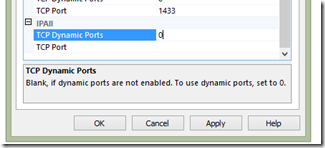
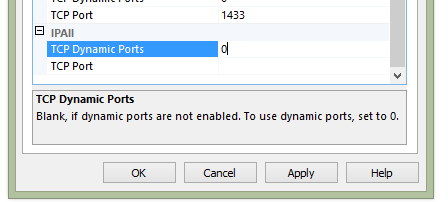
- Enable TCP/IP Protocol in SNAC
- Restart SQL Server
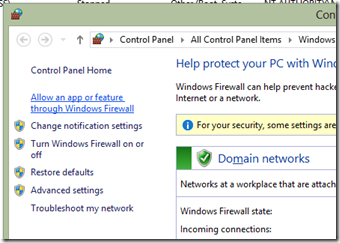
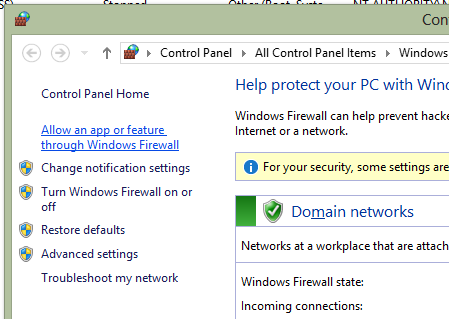
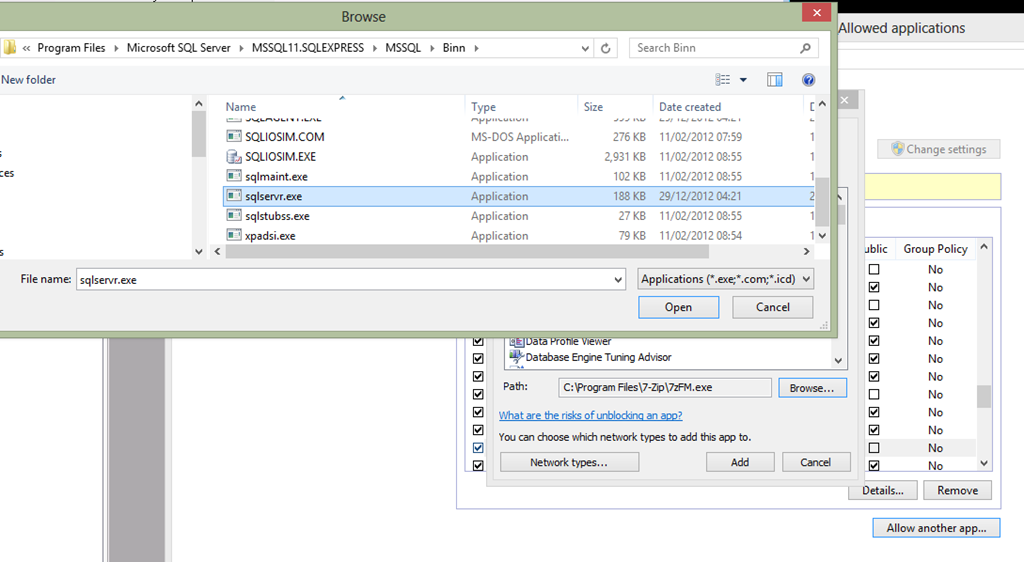
- Configure (Windows 8) Firewall to allow all Inbound for sqlservr.exe
Footnote:
I thought this might be relevant (nice to be able to script it):
http://support.microsoft.com/kb/968872/en-us
But the problem is that this is for fixed ports and not compatible with the (default) Dynamic Ports settings above.
Wednesday, July 24, 2013 1:39 PM