

Introduction
One of the features that I’m surprised to see hardly no one talk about is “Communication Between Local Silverlight-Based Applications”. This is not new to Silverlight as it has been around since Silverlight 3. In other words, this will allow you to have two Silverlight applications running on the same PC talk to one another without using Web Services, etc. I originally was looking into this for a pet project that I was going to use with Kinect, but found this very valuable and decided to share with everyone.
Getting Started
We are going to create two separate Silverlight Applications (select Silverlight 4 or 5 Beta). The First application that we are going to create is the receiver.
Creating the Receiver
Launch Visual Studio 2010 and create a new Silverlight Application and name it “SilverlightReceiver”.
In your MainPage.xaml
In your MainPage.xaml.cs
using System; using System.Windows; using System.Windows.Controls; using System.Windows.Messaging;
namespace SilverlightReceiver { public partial class MainPage: UserControl { public MainPage { InitializeComponent; Loaded += MainPage_Loaded; }
void MainPage_Loaded(object sender, RoutedEventArgs e) { var messageReceiver = new LocalMessageReceiver("receiver", ReceiverNameScope.Global, LocalMessageReceiver.AnyDomain); messageReceiver.MessageReceived += receiver_MessageReceived;
try { messageReceiver.Listen; } catch (ListenFailedException) { MessageBox.Show( "Cannot receive messages." + Environment.NewLine + "There is already a receiver with the name 'receiver'.", "LocalMessageReceiver", MessageBoxButton.OK); } }
private void receiver_MessageReceived(object sender, MessageReceivedEventArgs e) { txtReceiver.Text = e.Message; e.Response = "Message received"; } } }
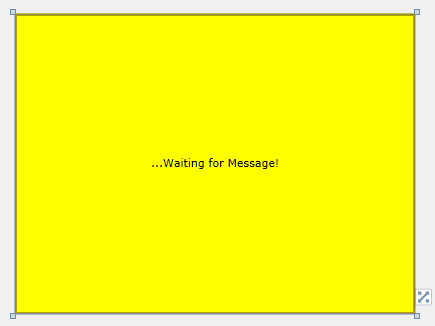
Your MainPage.xaml for your Receiver should look like this in design mode:
Creating the Sender
Launch Visual Studio 2010 and create a new Silverlight Application and name it “SilverlightSender”.
In your MainPage.xaml
In your MainPage.xaml.cs
using System.Windows; using System.Windows.Controls; using System.Windows.Messaging;
namespace SilverlightSender { public partial class MainPage: UserControl { private LocalMessageSender _messageSender = new LocalMessageSender("receiver");
public MainPage { InitializeComponent; Loaded += MainPage_Loaded; }
void MainPage_Loaded(object sender, RoutedEventArgs e) { _messageSender = new LocalMessageSender("receiver",LocalMessageSender.Global); _messageSender.SendCompleted += _sender_SendCompleted; }
void _sender_SendCompleted(object sender, SendCompletedEventArgs e) { MessageBox.Show("Response \"" + e.Response + "\" receieved.", "LocalMessageSender", MessageBoxButton.OK); }
private void SendClick(object sender, RoutedEventArgs e) { _messageSender.SendAsync("Don't you love michaelcrump.net?"); } } }
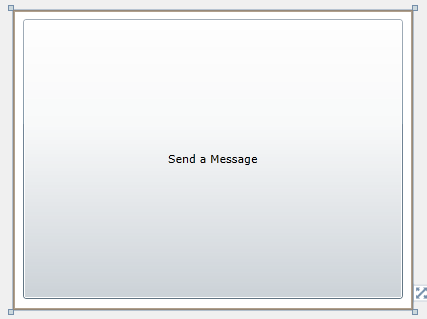
Your MainPage.xaml for your Receiver should look like this in design mode:
Time to run it!
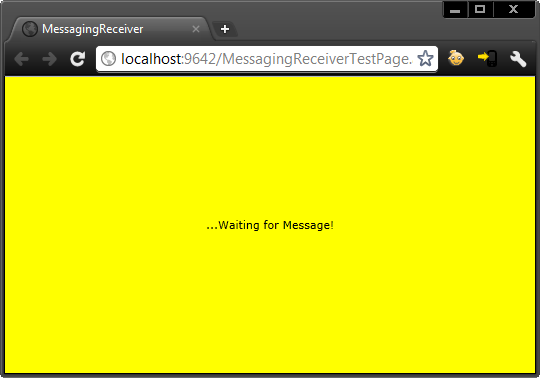
Launch the receiver application first…
Then the sender application second…
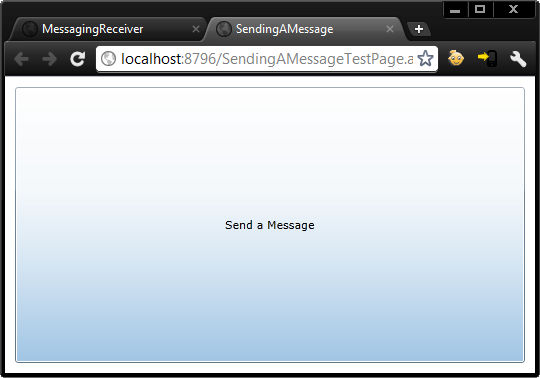
Click the “Send a Message” button and you should instantly get:
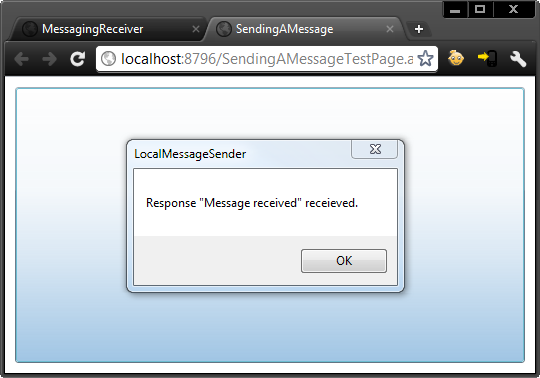
Now click on your receiver application…
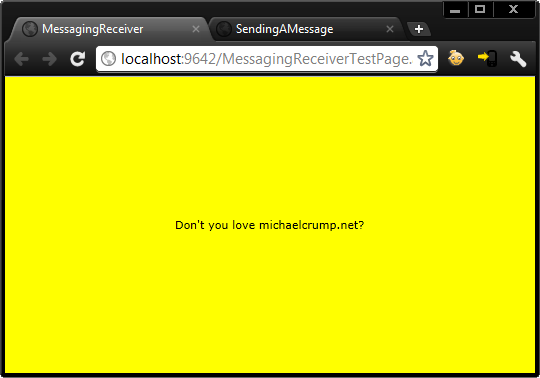
and you will see it now has the message you send from the “sender” application.
Conclusion
How cool is that? Plus it did not require any web services, etc! For future reference, you may want to check out the following pages on.aspx) (where I grabbed some of the code for this demo).
](http://feeds.feedburner.com/MichaelCrump) Subscribe to my feed