
Live Writer is another great tool for posting blogs offline. I used to use w.bloggar, but the site is down and who knows what is going on with the writer. Configuring Live Writer is very easy to do, here are the steps you need to take to configure it with Geekswithblogs.net. (Sorry for the long post, but people are asking for this).
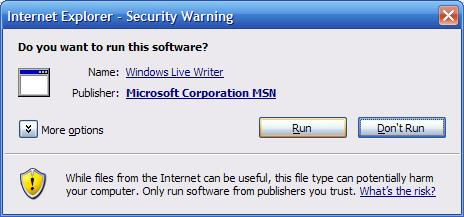
Start the Installation File:
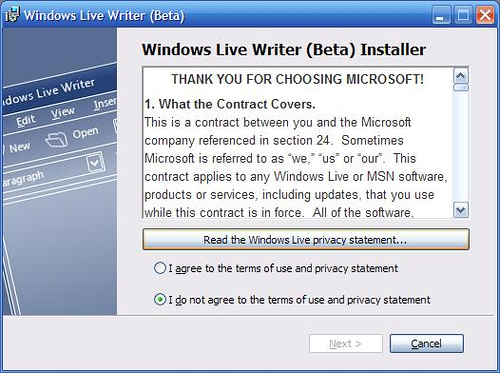
Agree to the terms (or don't install and stop reading):
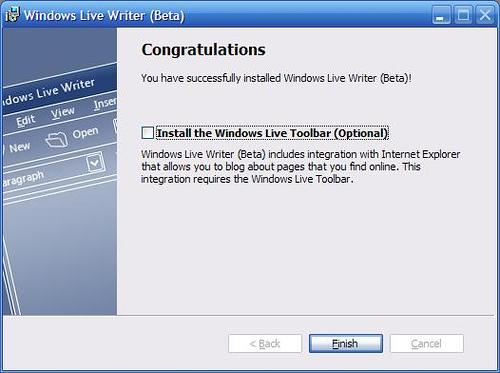
Decide if you want the toolbar, you can see my decision here:
Go to Start, Programs, and run the Windows Live Writer (Beta):
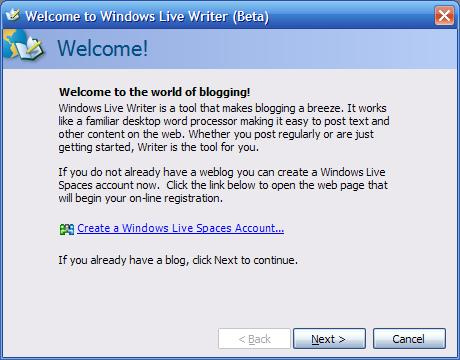
The first screen that will run is this welcome screen:
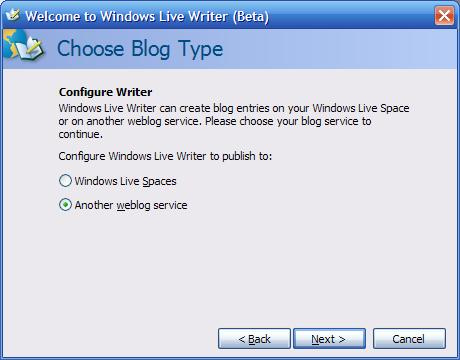
Choose the Another weblog service in the Choose Blog Type window:
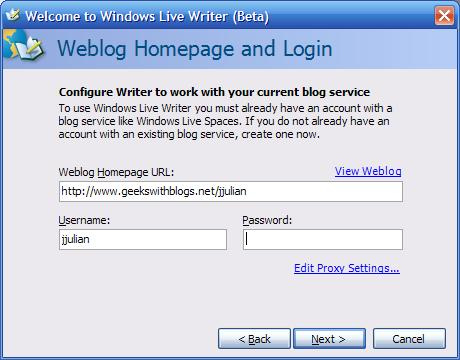
Enter your weblog address (see below) in Weblog Homepage URL field and then the Username and Password for the site:
Select the Custom (Metaweblog API)LiveWriter in the dropdown and then insert the address for your weblog's MetaBlog API service. This is https://geekswithblogs.net/<YOUR_BLOG_NAME>/services/metablogapi.aspx
Finish off with setting your blog name in the application.
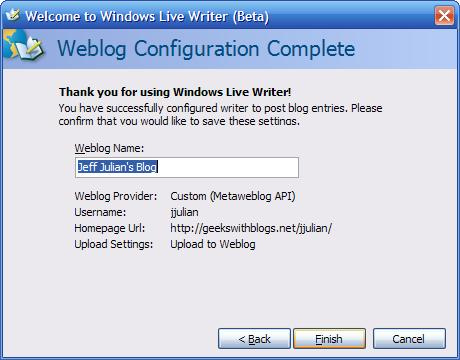
Now you are finished and can start writing offline posts and selecting categories for your posts as well. Good luck setting this up!