
Next week (17th March 2010) I am presenting on EF4 at www.devweek.com in London (and Azure on the 18th). Today I wanted to get all the latest bits on my demo machine and also check if there are any cool new resources I can point people at. Whilst most of the new improvements in Entity Framework come with the Visual Studio 2010 RC (and the RTM), there are a couple of separate items you need to install if you want to explore all the features.
To demo EF4 you need:
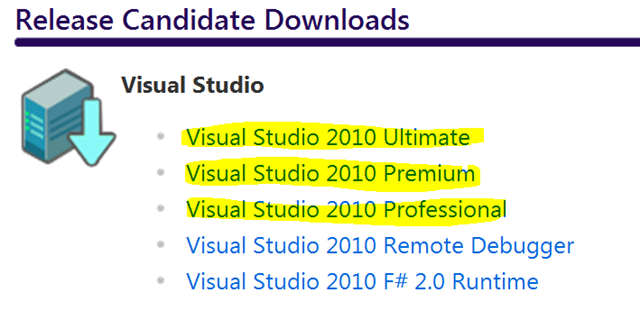
Visual Studio 2010 RC
Download and install the Visual Studio 2010 Release Candidate. In my case I went from the Ultimate Edition but it will work fine on Premium and Professional.
POCO Templates
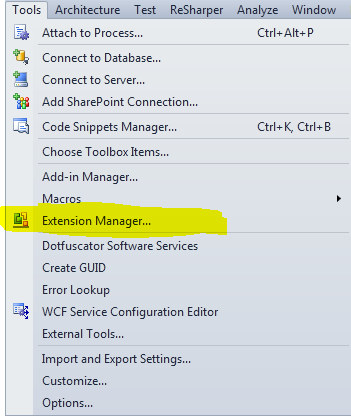
See the team blog post for a detailed explanation. Use the Extension Manager inside Visual Studio 2010:
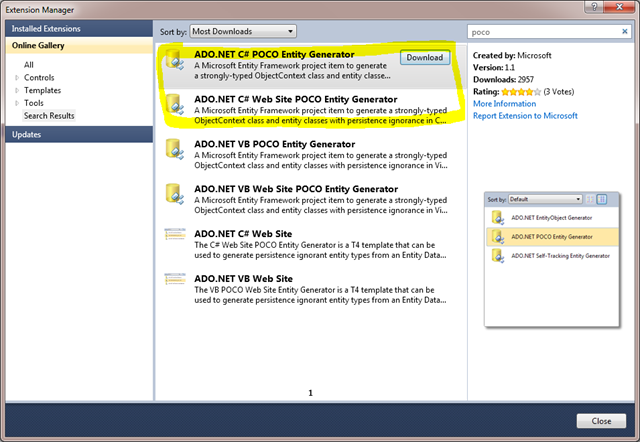
And install the updated POCO templates for either C# or VB (or both if you are so inclined!):
Code First
Next you will also need to install Code First (formally called Code Only). This is part of the Entity Framework Feature CTP 3. See the team blog post for a detailed explanation.
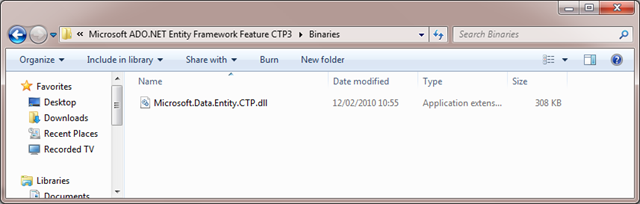
Download the CTP from Microsoft downloads and run the setup. This will give you a new dll for Code First
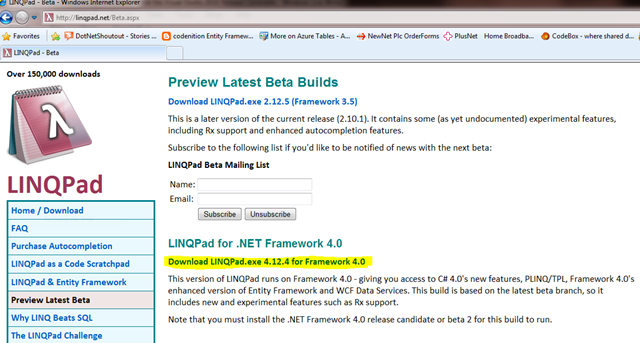
Optionally (but I recommend it) install LINQPad for the RC
Download LINQPad Beta for .NET 4.0
Related Links