
An article in the July 2013 issue of .Net Magazine, "Optimise your site for mobile", highlights the importance of image optimisation and has a link to a list of tools for the job.
This mentions several well known tools but misses one of the oldest and best, Xat's Image Optimiser. I've used this for many years and, despite having more modern tools, still come back to this when I want the tightest optimisation.
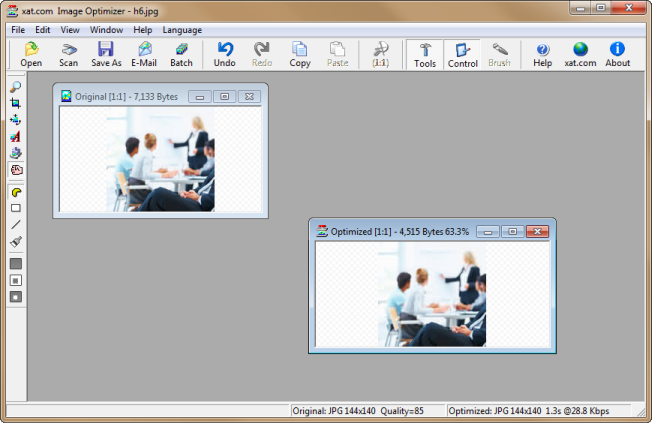
It handles jpegs, gifs and pngs with appropriate settings for each. For jpegs it has a 'MagiCompression' mode as well as the normal settings. This applies different levels of compression to areas of an image depending on the complexity of the content. It works very well and can make a big difference. The only thing you need to be aware of is that if you open such an image again in an ordinary editor, this variable compression will be lost.
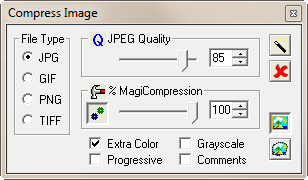
There is a batch wizard and are also tools for image resizing, cropping, adding text to images, filling areas with colour etc.
The product costs $49 which seems expensive in todays market but I've definitely had my moneys worth over the years and with image optimisation being critical for responsive design, will do so again and again.
Don't be put off by Xat's website or the fact that it mentions Windows 95 to XP. The product works with Windows 7 and Windows 8.
Download the trial and try it out. You'll be impressed with the results.