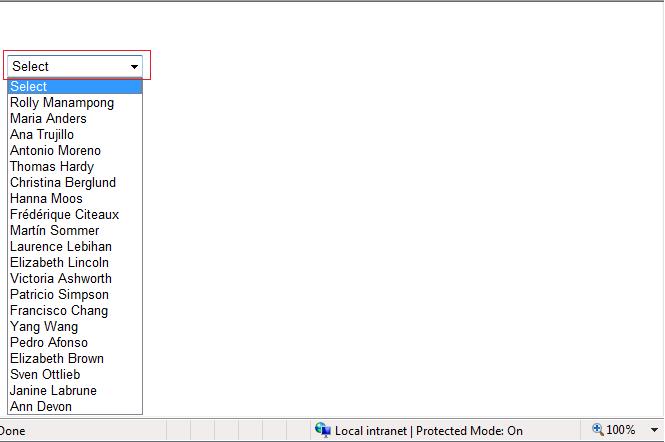
This demo shows on how to add a default Select option in the DropDownList. I decided to write this sample demo because I always encounter this question at the ASP.NET forums.
To make this work then you just need to set the property AppendDataBoundItems to TRUE in the DropDownList.
Here’s an example for adding a Select option declaratively at the mark up.
<asp:DropDownList ID="DropDownList1" runat="server" AppendDataBoundItems="true"> <asp:ListItem Value="-1">Select</asp:ListItem> </asp:DropDownList>
As you can see from above declaration we just simply set the AppendDataBoundItems to True and add the Default Select item in the list.
Here’s an example for adding the Select option at the code behind.
DropDownList1.AppendDataBoundItems = true; DropDownList1.Items.Add(new ListItem("Select", "-1")); //Bind Your DropDownList here with data from database
As you can see,we programmatically set the AppendDataBoundItems to true and add the Select ListItem option BEFORE populating the DropDownList with data.
Now here’s another way using the Insert method of DropDownList
//Bind Your DropDownList here with data from database DropDownList1.Items.Insert(0, new ListItem("Select", "-1"));
The output can be seen below with red mark: