
Last week my office integration from Team Explorer stopped working. the Team menu in excel was gone and when I tried to open a WI-query from VS I got this error message:
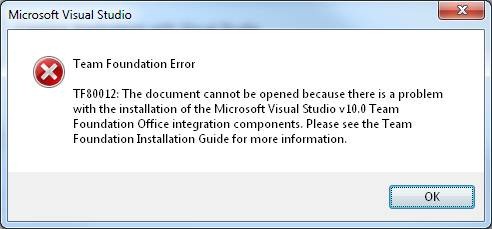
TF80012: The document cannot be opened because there is a problem with the installation of the Microsoft Visual Studio v10.0 Team foundation Office integration components. Please see the Team Foundation Installation Guide for more information.
First I tried to fix this by repairing the Team Explorer, this did not fix the problem. The I found a blog post suggesting that re-registration of the Office add-in might solve it. The command is:
For 64-bit windows:
Regsvr32 "C:\Program Files (x86)\Microsoft Visual Studio 10.0\Common7\IDE\PrivateAssemblies\TFSOfficeAdd-in.dll"
or it you have 32-bit windows:
Regsvr32 "C:\Program Files\Microsoft Visual Studio 10.0\Common7\IDE\PrivateAssemblies\TFSOfficeAdd-in.dll"
And this fixed the problem! The menu is back in Excel and i can open queries from VS into office applications.
My environment, for reference: Windows 7 x64, VS 2010, Office 2010 32-bit