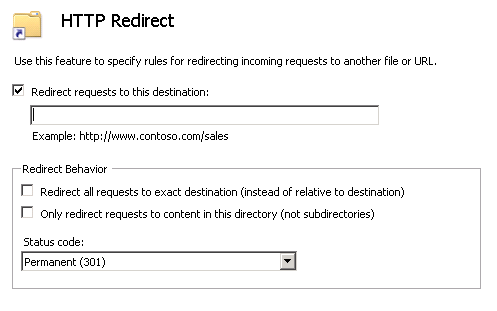
If you want a virtual directory or a site in IIS7.x to redirect to another url you first have to make sure you have installed http redirect for IIS.
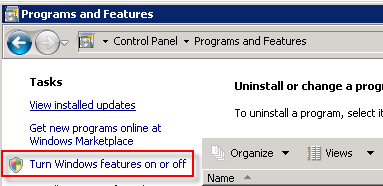
To do that goto Control Panel > Program and Features and select Turn Windows features on or off
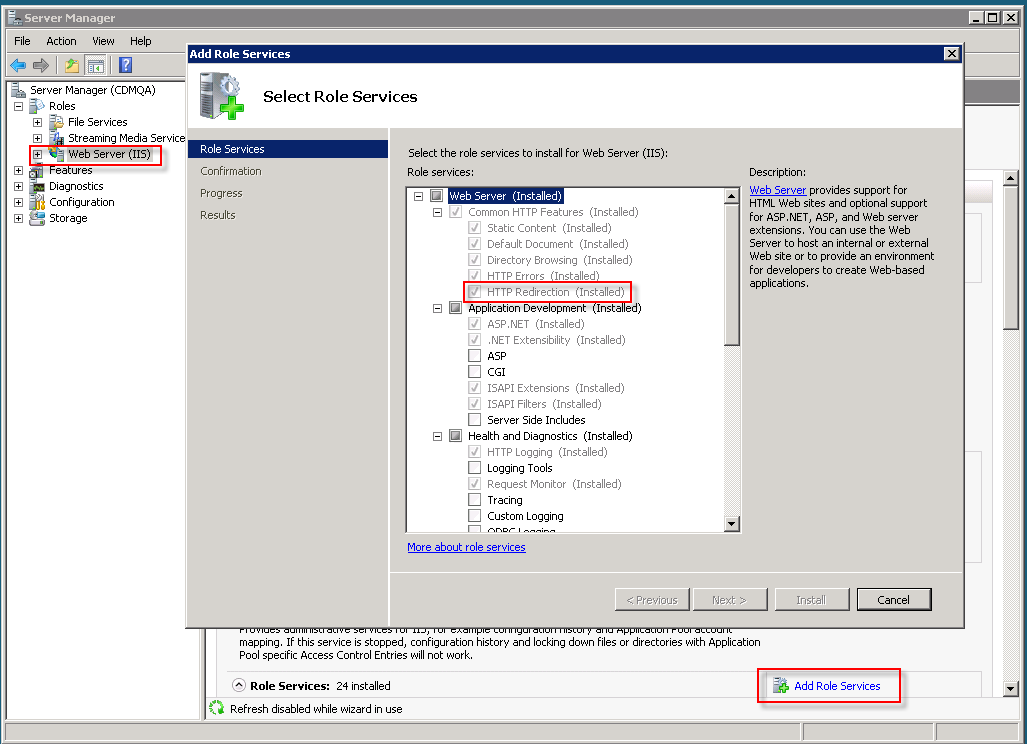
Choose IIS and click on Add Role Services and make sure you check HTTP Redirection
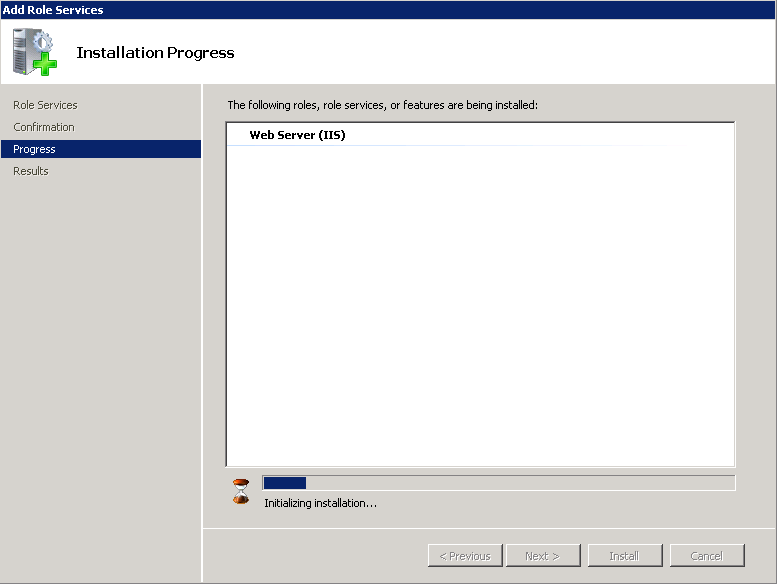
Let the feature be installed and configured.
Now you will see the HTTP Redirect option in the Features View of IIS.
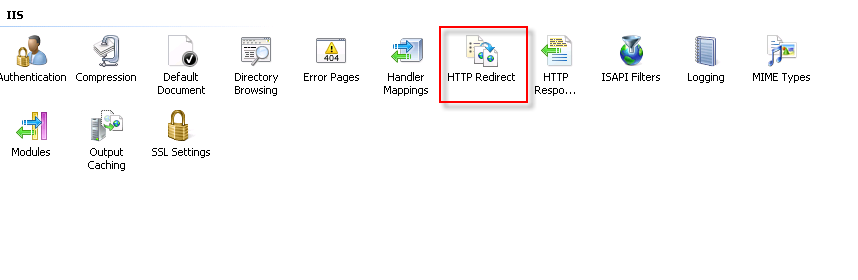
Click HTTP Redirect and add the necessary redirect information to add a redirect for a virtual directory or an entire site.